All templates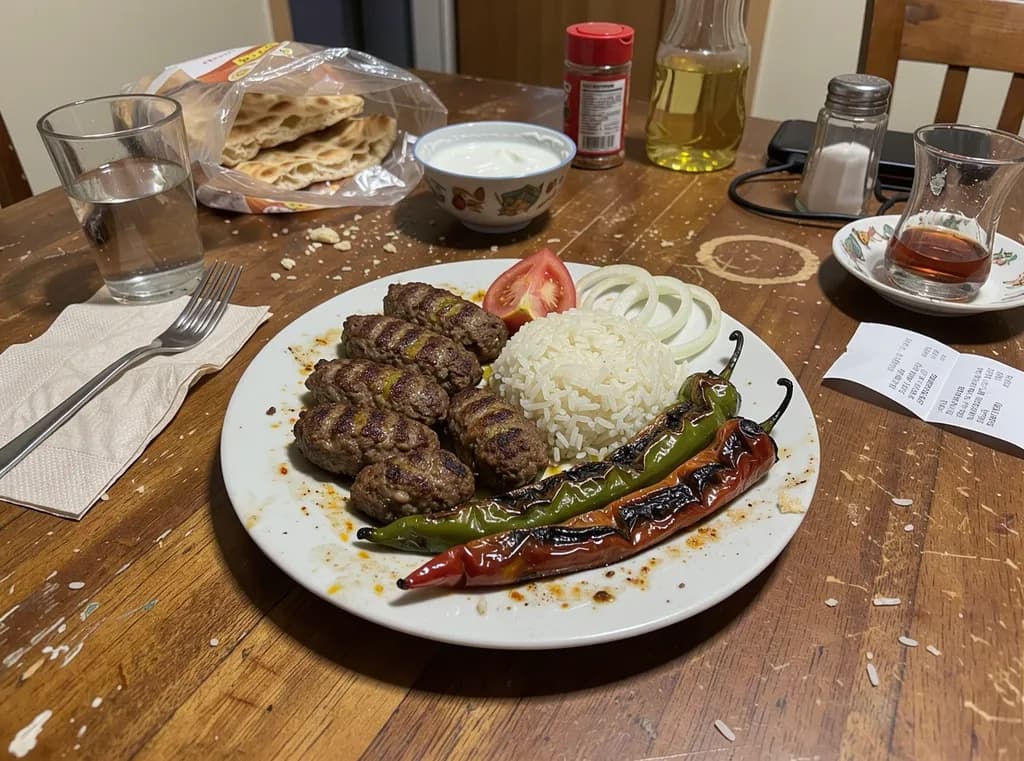 Before
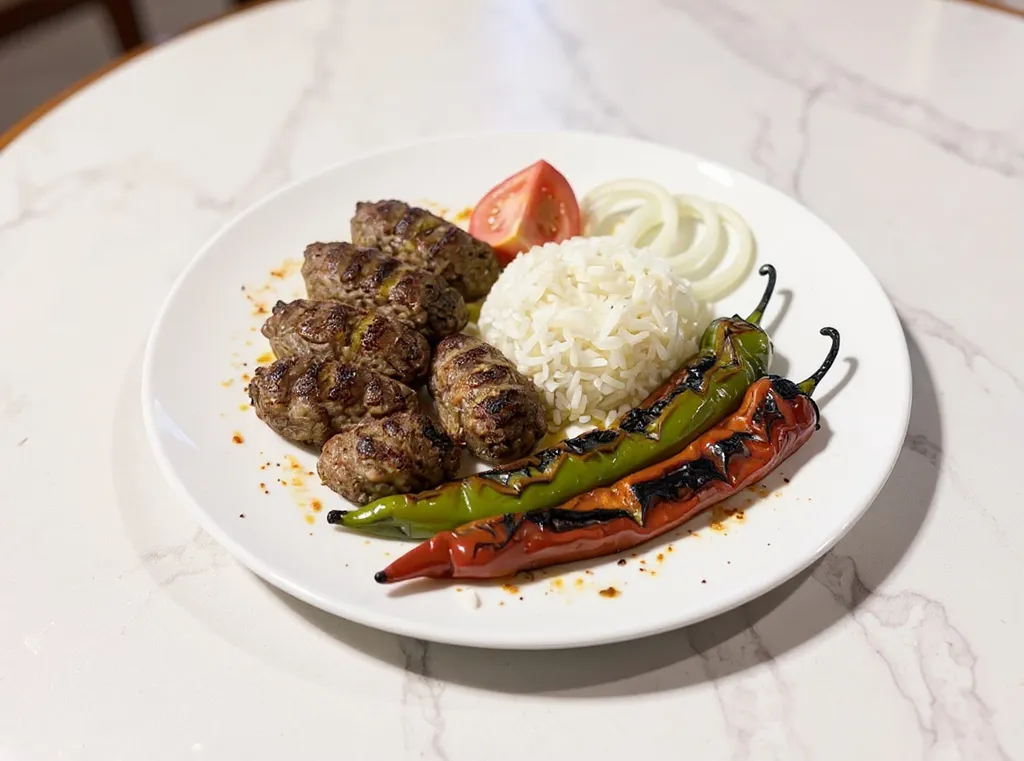 After
After25 cr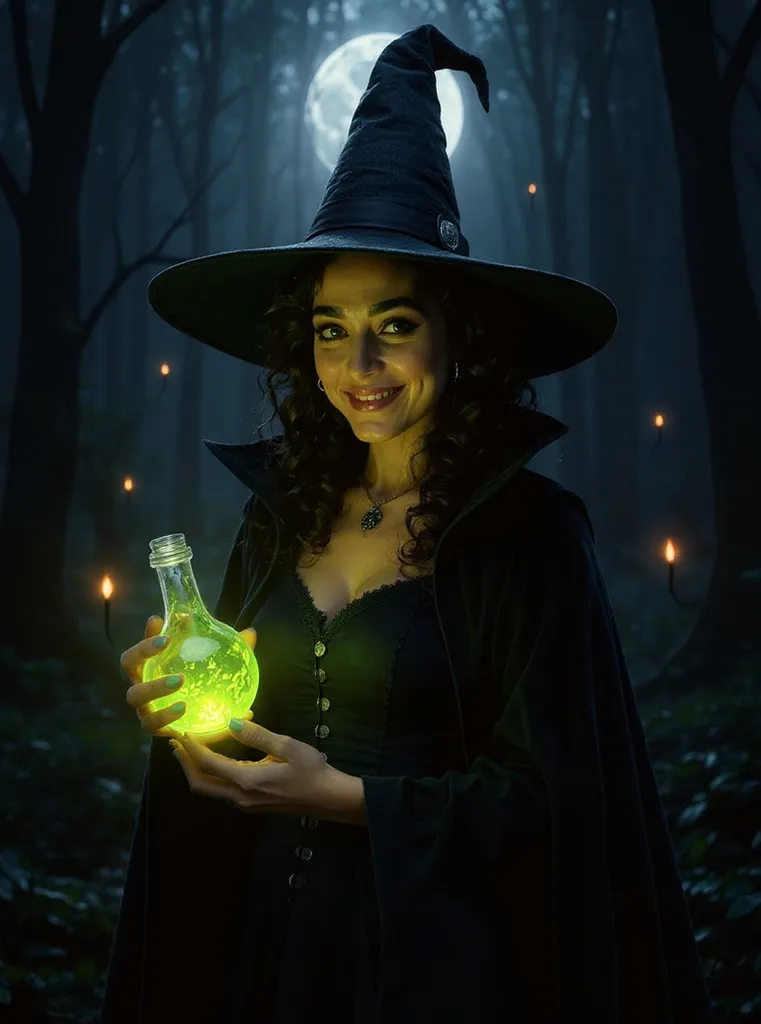 📸 Photo8 cr25 cr25 cr
Menu Photo
Turn a phone photo of a dish into a professional menu photo.
Example: the input on the left, the app's result on the right.
BeforeAfterTurn a food photo into a professional menu photo
- 1
Upload a photo of the dish.
- 2
Pick a style: bright menu, dark and moody, or top-down.
- 3
Press run. Your menu photo is ready in seconds.
Questions
+Will it change my dish?
No. It keeps the same dish and portion; only the light, plate and setting change.
More templates
🎬 Video
Roach Comedy
The viral absurd comedy: cockroaches living like people, with sound. Vertical and ready for Reels.
Halloween Portrait
Turn a selfie into a spooky-season portrait.
🎬 Video
Dancing Pet
Your cat or dog dances: disco, folk dance or ballet.
🎬 Video
Talking Pet
Your cat or dog looks at the camera and talks.