Store
Product images for your store
Turn a phone photo of your product into a professional product image, ready for your e-commerce site and marketplace store. Write your own prompt and pick any model, or start from the suggestions below.
 Before
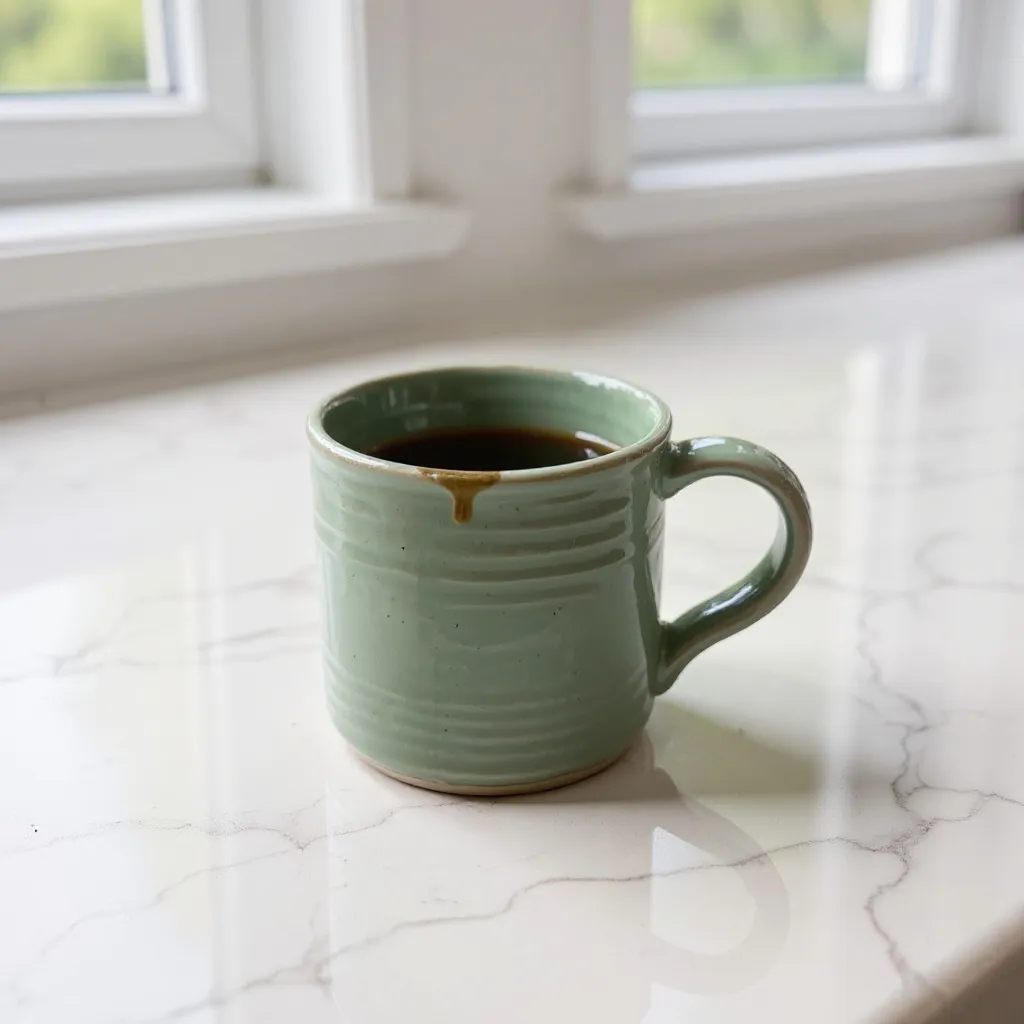 After
AfterSuggestions for your store
Tap a suggestion: its prompt and model load into the form. Add your product photo and change the prompt to fit your brand.
Product Shot
8 crTurn a quick snap of a product into an e-commerce photo.
Seasonal Product Scene
8 crPut your product in a New Year, autumn, summer or spring scene.
Menu Photo
8 crTurn a phone photo of a dish into a professional menu photo.
Product Effects
25 cr · videoThe viral product video effects: cut it open to find cake, or make it float.
Logo Animation
25 cr · videoTurn your logo into a stylish 5-second intro video.
Virtual Try-On
8 crDress a person in a garment from another photo.
AI product images for e-commerce
Good product images sell, but a studio shoot for every product is slow and expensive. On Wulpax one product photo gives you what your store needs: clean catalogue photos, seasonal campaign scenes and product videos for social media. The product's shape, colour, label and logo stay; the light, surface and scene change.
White-background product photos
Marketplaces and online stores want clean, bright product images. Put your product on a white studio, marble or pastel backdrop and get a sharp catalogue photo with soft shadows.
Campaign and seasonal images
Place the same product in a New Year, spring, summer or sale scene. Refresh your storefront and social feed every season without a new shoot.
Product videos and logo animation
Make a short product video for your product page, Reels and ads from a single photo. Turn your logo into a few-second brand intro.
Virtual try-on for clothing stores
Upload a garment and a model photo, and see the garment on the model with its folds and fabric. Put a new collection in your store without waiting for a shoot day.
How to make a product image
- 1
Shoot the product on your phone on a plain surface in daylight, whole product in frame and its label readable.
- 2
Upload the photo. Describe what you want in your own words, or pick a suggestion below; its prompt loads into the form for you to change.
- 3
Pick a model and generate. Images take seconds, videos a few minutes, and everything is saved in your library.
Common questions
+Will my product change?
The suggestions tell the model to keep the product's shape, colour, label and logo, and we recommend saying so in your own prompts too. Small print isn't always exact, so check the image before you publish it.
+Can I use the images in my store and ads?
Yes. As long as the product and the photos you upload are yours, you can use what you make in your store, on product pages and in your ads.
+Which model is best for product photos?
Nano Banana 2 is a good start for keeping a product exact while changing its scene, and it takes several images. Try FLUX Kontext to edit a single photo, and the video tab's models for product videos.
+How many credits does a product image cost?
Product photos start at 2 credits depending on the model, product videos at 17 credits. Every model's price is shown in the form before you generate.
+Which products work best?
Single, clearly visible products: shoes, bags, mugs, cosmetics bottles, jewellery, food. A sharp photo on a plain surface without harsh shadows gives the cleanest result.